
Live demo

Take the whole shop for a spin.

Two ways in — shop the catalog like a customer, or run the place like the owner. Real data, working flows, nothing to sign up for.

Ways in
Customer · Owner
Setup
None — no signup
Catalog
39 cuts, live data
Resets
Overnight
Door 01 · Storefront
Shop the catalog

At the counter

See what a regular sees. The whole case, working search and filters, a real cart, and pickup scheduling all the way to the confirmation screen.

  • Browse 39 cuts with live search and filtersCatalog
  • Build a cart and pick a pickup slotCheckout
  • Save cuts to your listAccount
  • Spend the 326 points already on the accountRewards
  • Leave a review on any cutReviews
Opens the catalog · no login step
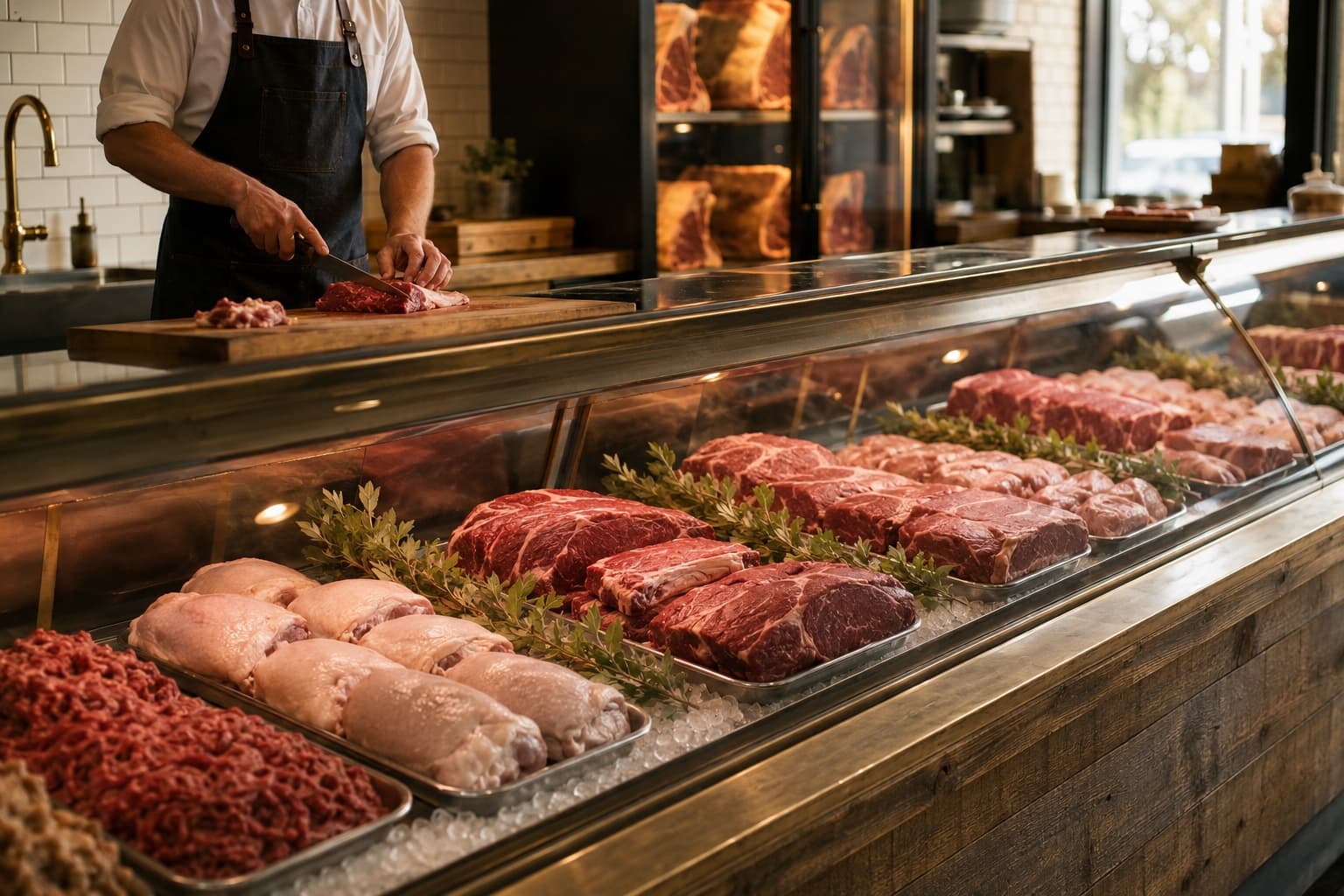
Door 02 · Back of house
Run the shop

Behind the counter

Owner access to a seeded shop — a live catalog, a staffed week, and the dashboards that come with them. What you change here really changes, right up until the overnight reset puts it back.

  • Add, edit, and reprice catalog itemsProducts
  • Write promo codes and watch them go livePromos
  • Build the week on the staff scheduleSchedule
  • Tune rewards rates, tiers, and shop detailsSettings
  • Read every dashboard and export to CSVAnalytics
Signs you straight in · no password

Ground rules

What's real, and what isn't.

Everything works except the parts that would charge you money or send someone to the block.

Real

The whole catalog

All 39 cuts, real photography, real pricing, and the same search and filtering the live shop runs on.

Real

Owner tools that write

Repricing a cut, publishing a promo, moving a shift, changing the rewards rate — these save for real and show up on the storefront.

Simulated

Payment and fulfilment

Checkout completes and hands you a receipt, but no card is charged and no order reaches a real queue. You'll see the confirmation; nobody cuts any meat.

Resets

Overnight, every night

The catalog and shop settings go back to the snapshot, and the demo shopper’s account — cart, orders, reviews, saved cuts, cards, points — returns to the same starting state. Break what you like.

Not sure where to start

Three things worth trying first.

01~2 min

Order a dry-aged ribeye.

Filter to Beef, open a ribeye, read the cut notes, and take it through pickup scheduling to the confirmation screen.

Start in the catalog
02~1 min

Spend your points.

The demo account is carrying 326 points right now. Apply them at checkout and watch the order total — and your balance on the account page — move.

See how rewards work
03~2 min

Leave a review.

Rate any cut and write a line about it. It shows up on the product page like anyone else’s, and clears with the overnight reset.

Browse the case
Before you go in

Fair questions.

The demo is meant to be poked at. Break what you can — it rebuilds itself overnight.

Ask us anything

No. Both doors open straight into a working session — no email, no password, no card. Picking a door signs you in as a seeded demo account and drops you where that account belongs.

Pick a door. Nothing breaks.

Both doors are one click from here, and whatever you change is back to normal by morning.

Already have an account? Sign in